https://drive.google.com/open?id=1rRB0XtPw3UKgMdJ9zbxzJT2iqYzlvtvR

Step 5. Generate the direct image URL
- Insert the id to the URL
http://drive.google.com/uc?export=view&id=PASTE YOU ID HERE; - Paste the resulting URL into the address bar of your browser;
- Redirection is running. As soon as the page is loaded, you can copy the URL from the address bar and your image will be available at the copied URL.
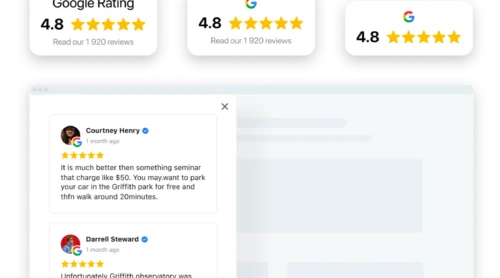
Take a look at our Google Reviews widget that will definately help you raise conversion!If you are a user of Elfsight app and you have issues uploading photos and getting direct URL from Google Drive, then feel free to contact Support Center at support@elfsight.com. If you’re not a user, but have any difficulties, you are welcome to leave your comment. We will answer your questions with pleasure!